> For the complete documentation index, see [llms.txt](https://docs.getyolo.ai/llms.txt). Markdown versions of documentation pages are available by appending `.md` to page URLs; this page is available as [Markdown](https://docs.getyolo.ai/en/kezdetek/question-asking-based-on-photo-input.md).
# Question asking based on photo input
On this page, we showcase the functionality of the photo-based question-asking feature.
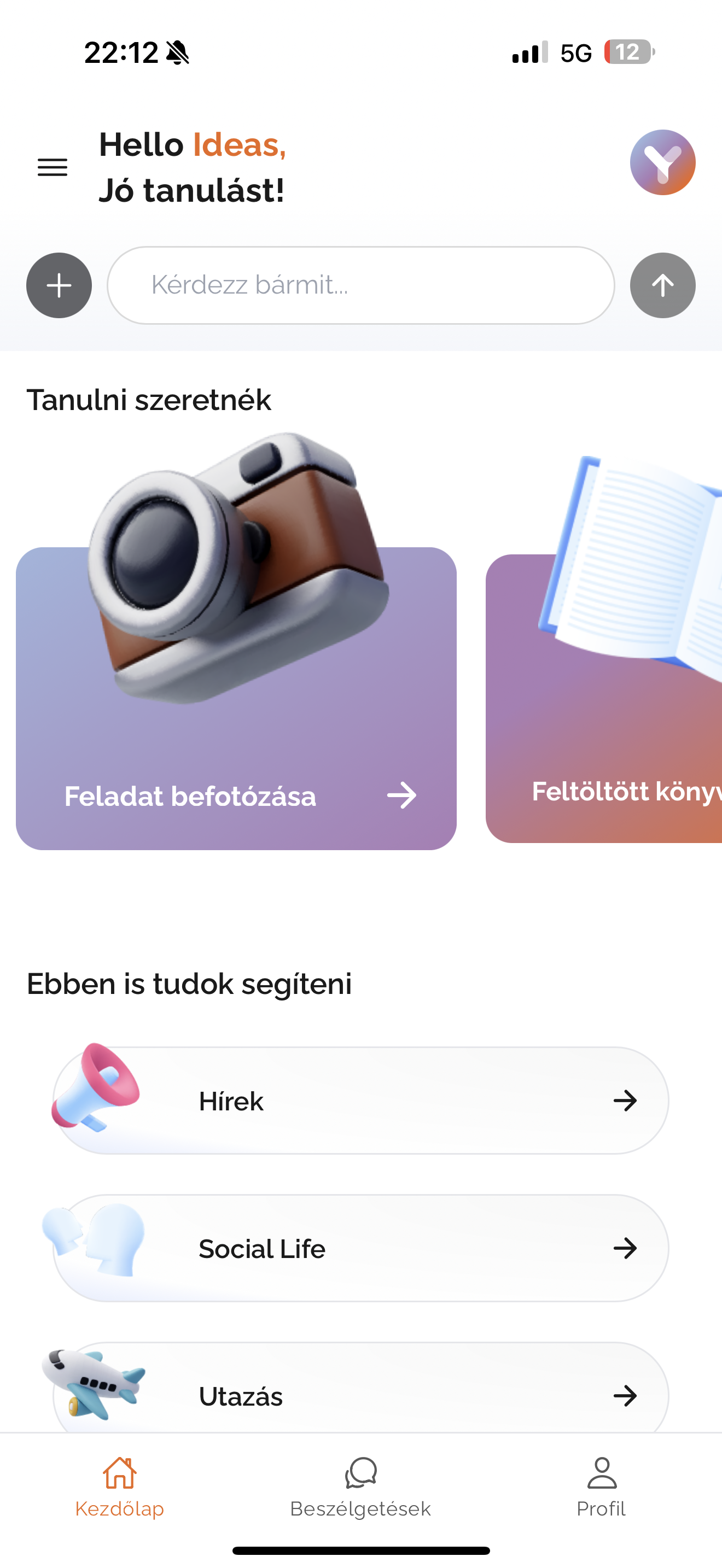
One of the most popular features is photo-based question asking, which allows you to simply take a photo of a specific task, such as a textbook example or a homework assignment.
**1.**** ****Photography**: Take a clear and well-visible photo of the task within the application.
Fotózás ikon
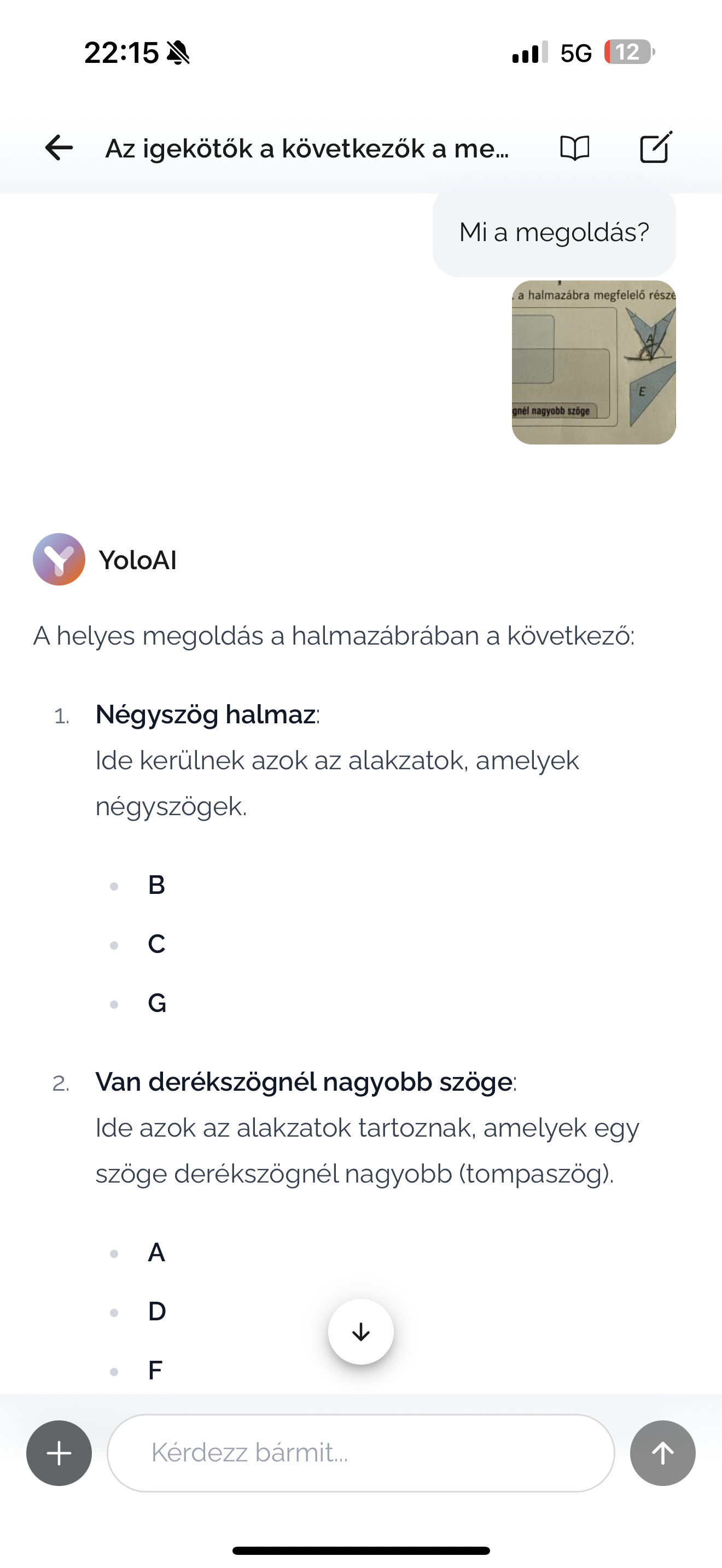
**2.**** ****Asking Questions:** Enter a question related to the task, whether it's about the solution, an explanation, or a request for additional information.
**3.**** ****AI Responses:** The AI processes the information in the image, extracts the text, and provides accurate, task-specific answers.
Feldatmegoldás matekházi
This feature is extremely useful for reviewing homework, explaining difficult examples, or gaining a deeper understanding.